
SEO sounds technical, but most of it isn’t. It’s making sure Google knows what you do, where you do it and that people trust you. A lot of small business owners can do a good chunk of it themselves if they know where to start and what to ignore. This resource is the order I work in for every new client, split into eight steps. Some take an afternoon. The last one never really ends, and that’s the bit that wins in the long run.
What is SEO, in plain English?
SEO, or search engine optimisation, is everything that helps your business show up when someone searches for what you do. For a local business that means two places. The map, which is driven mostly by your Google Business Profile and reviews. And the normal results underneath, which are driven by your website. Good SEO works on both. Google’s own SEO starter guide is worth a read too, and none of what follows goes against it. There are no tricks here. Just the jobs that work, in a sensible order.
Step 1: which free tools do you need first?
Google Search Console, Google Analytics and Bing Webmaster Tools. They’re all free and they tell you what’s working. Search Console shows how you appear in Google and any problems it has with your site. Analytics shows what people do once they land. Bing Webmaster Tools covers Bing and Copilot. Without them you’re guessing.
Set every one up on an account you own, not your web designer’s. I’ve written a step-by-step resource for each: Google Search Console, Google Analytics 4 and Bing Webmaster Tools. Allow an afternoon for all three.
Step 2: how do you decide which searches to go after?
Start with the jobs you want more of, then write down how customers describe them and add the towns you cover. “Boiler repair Bootle” is worth far more to a heating engineer than “heating”. Aim for a short list of around ten searches that bring in the work you want, and ignore the rest for now. My keywords resource walks through this in detail.
Step 3: why sort your Google Business Profile so early?
Because for most local businesses the map brings in more calls than the website. Claim your listing, pick the right main category, set your service area, add your services and real photos. It’s free and it can start working within weeks. My Google Business Profile resource covers it step by step, and how to get into the Google Maps top 3 covers what comes after.
Step 4: how many pages does your website need?
One for each main job you do, and one for each important area you cover. A single “Services” page listing everything gives Google very little to rank. A page for boiler repairs, another for new boilers and another for servicing gives it three clear answers to three different searches. Each one should explain the job, the areas, the price if you can share it and how to get in touch.
Write them yourself if you can. You know the questions customers ask better than anyone. Then add a few helpful guides that answer those questions, and link them to the right service page. I explain why in why content matters for SEO.
Step 5: what should go in your page titles and headings?
The search you’re going after, written for a person. The page title is the blue link people see in Google, so it needs the job, the place and a reason to click. The main heading on the page should match it closely. Then use the search naturally in the opening paragraph and a couple of times further down. Don’t stuff it in everywhere. It reads badly and doesn’t help.
On WordPress, a plugin like Yoast lets you set the title and description for each page. My guide to on-page SEO basics covers headings, image descriptions and the rest, and how to get more clicks from Google covers writing titles people want to click.
Step 6: does your site need to be fast on a phone?
Yes. Most people looking for a local business are on a phone, often on mobile data. If the page is slow or fiddly, they go back and ring the next one. Open your site on your own phone and try to call you, fill in your form and find a price. If any of that is awkward, fix it first.
For speed, run your home page through Google’s free PageSpeed Insights. The usual culprits are huge photos, too many plugins and cheap hosting. Shrinking your images is often the quickest win. More in why a slow mobile site costs you customers.
Step 7: how do reviews and links help your SEO?
They tell Google other people trust you. Reviews matter most for the map. Ask every happy customer, ideally by text with your review link, while the job’s still fresh, and reply to every one. A steady trickle beats a big burst once a year. My post on why Google reviews matter explains how to make it a habit.
Links from other websites help your website rank. For a local business the best ones are local and real. A supplier’s “find an installer” page, a trade body, a local club you sponsor or a mention in the local paper. Make sure your name, address and phone number match everywhere you’re listed. Never buy links in bulk. I cover what’s worth having in backlinks: quality over quantity.
Step 8: how do you know if your SEO is working?
Check the same few things every month. In Search Console, look at clicks, impressions and the searches you’re close to ranking for. In your Google Business Profile, look at calls and direction requests. Most of all, look at enquiries. Ask every new customer how they found you and write it down. That tells you more than any report.
Then keep going. Add a new page when you want more of a job, a guide when customers keep asking the same question and fresh photos on your listing. SEO is a bit like a garden. A small amount of work every week beats a big tidy-up once a year. For clients I look after, all of these numbers sit in a live reporting portal so they can see where things stand any time.
If you get through these eight steps, you’ll be ahead of most of the businesses you’re competing with. If you’d rather spend your time on the work itself, that’s exactly what I do for clients, and you can see what you get for a monthly SEO fee before deciding. Not sure whether you need help at all? Do you need an SEO company? gives you an honest answer.
Want to know where to start?
Send me your website and what you do. I’ll go through your site and your Google listing and tell you which of these steps would make the biggest difference for you first.
If you want me to crack on, it’s £125 a week, about £18 a day, on a 30 day rolling basis.
Free website check
Checked by me, not a tool.
Rather message? WhatsApp 07463 631121 or call 0151 402 0925.
Questions people ask me
Can I do SEO myself?
Yes, a good chunk of it. The tools are free and most of the work is writing clear pages and asking for reviews.
How long does SEO take to work?
Your Google listing can bring calls within weeks. Website rankings usually take a few months.
What should I do first?
Set up Search Console and your Google Business Profile. They cost nothing and show quick results.
Do I need to pay for SEO tools?
Not to start. Search Console, Analytics and Bing Webmaster Tools are free and cover the basics.
How often should I add new content?
When you have something useful to say. A new page for a job you want more of, or a guide answering a common question.
Is SEO different for local businesses?
Yes. Your Google listing, reviews and area pages matter far more than they would for a national business.
Should I buy backlinks?
No. Cheap bulk links can do more harm than good. Earn local, relevant ones instead.
Does SEO help with AI search?
Yes. Clear pages, a complete Google listing and good reviews help AI tools understand and recommend you too.
Can you do it for me?
Yes. I do all of this for clients every week, with everything kept in your name.
Keep reading
For the bigger picture on winning customers nearby, read the benefits of local SEO for small businesses. Off-page SEO techniques that still work goes further into reviews, listings and links. And if AI tools are on your mind, AI SEO: what you need to know explains how they pick which businesses to name.
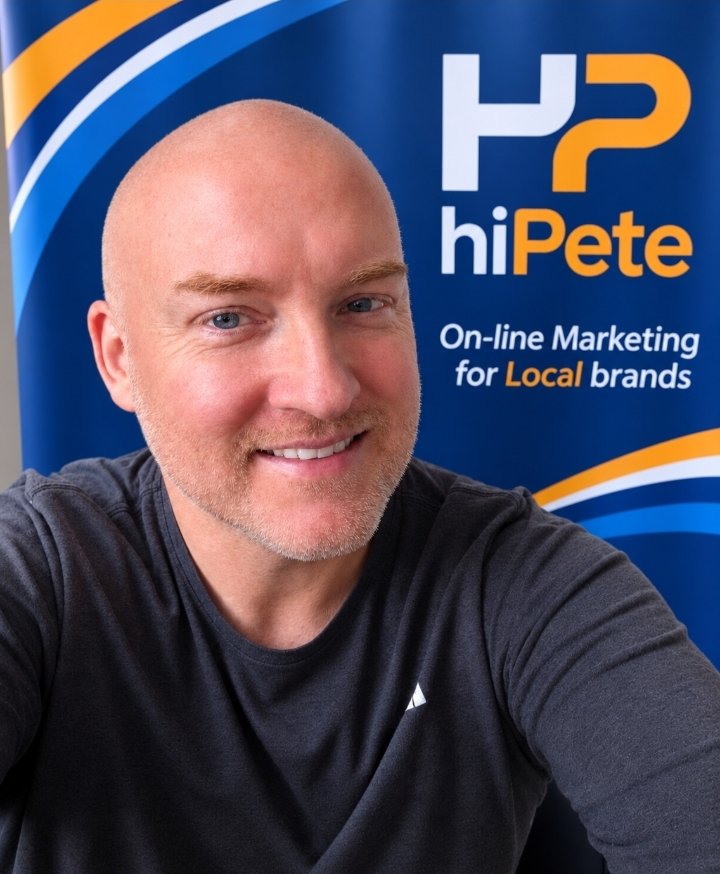 Hi, I’m Pete
Rather hand it over?
I’ll work through all eight steps for you, keep everything in your name and show you what’s changing in your live reporting portal.
WhatsApp meSee my services